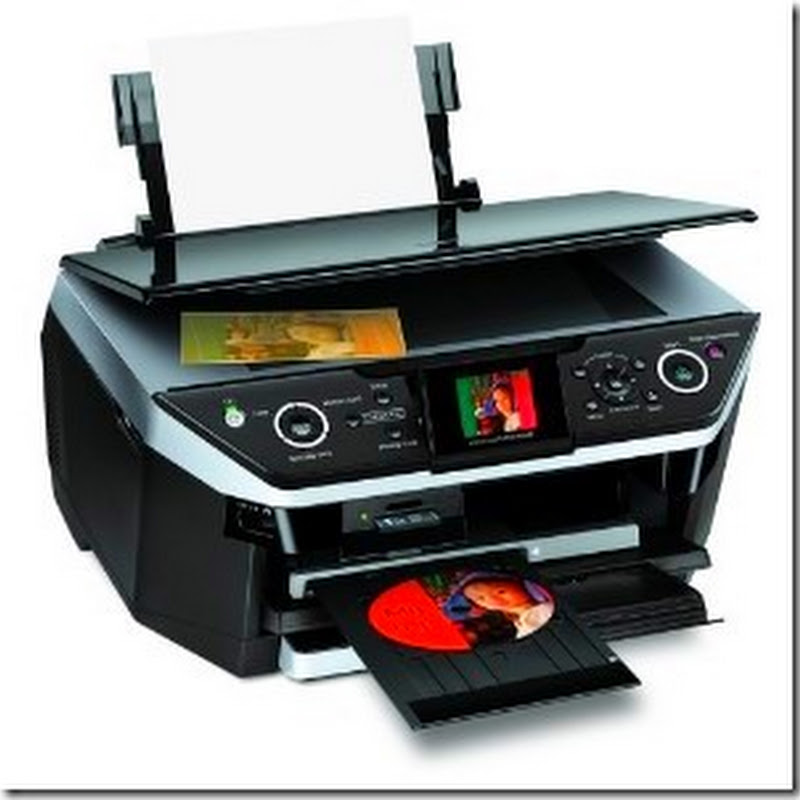
To print a configuration page from a LaserJet M1217nfw MFP:
- Press the Setup button (the one with the wrench icon)
- Scroll to the right or left until Reports is displayed
- Press the OK button
- Scroll to the right or left until Config report is displayed
- Press the OK button
Read more
- Press the Setup button (the one with the wrench icon)
- Scroll to the right or left until Reports is displayed
- Press the OK button
- Scroll to the right or left until Config report is displayed
- Press the OK button