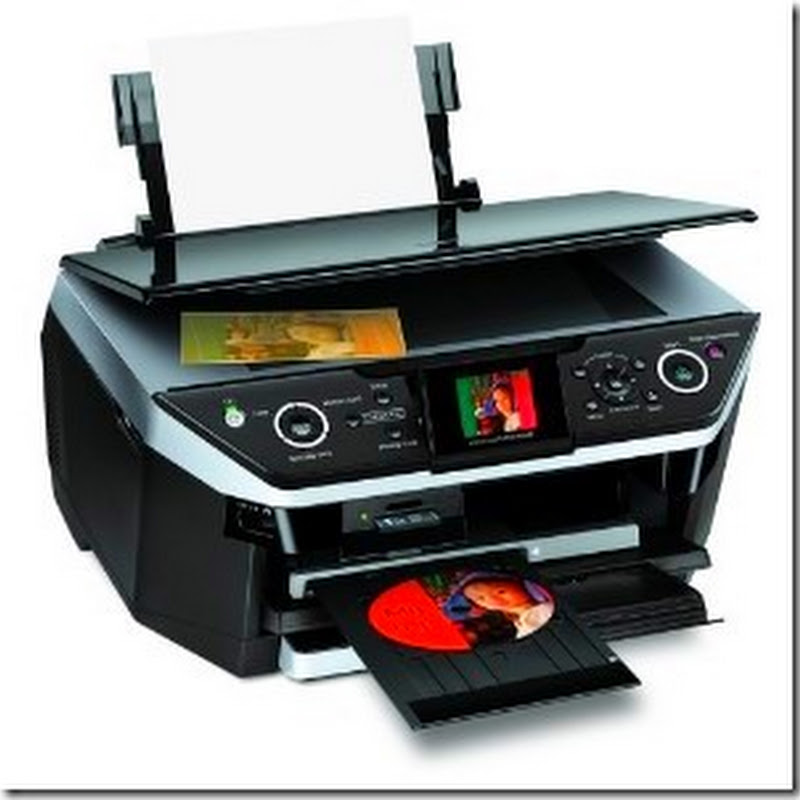
Instructions for printing a configuration page from a Brother MFC-J6510DW or MFC-J6710DW multifunction printer can be found on page 38 of the advanced users guide. They are listed here as well for easy reference.
- Press the Menu button
- Scroll down to Print Reports
- Press the OK button
- Scroll down to either User Settings (for a general configuration page about the machines setup) or Network Setup (for more a detailed network settings page)
- Press the OK button
- Press the Black Start button
Read more
- Press the Menu button
- Scroll down to Print Reports
- Press the OK button
- Scroll down to either User Settings (for a general configuration page about the machines setup) or Network Setup (for more a detailed network settings page)
- Press the OK button
- Press the Black Start button