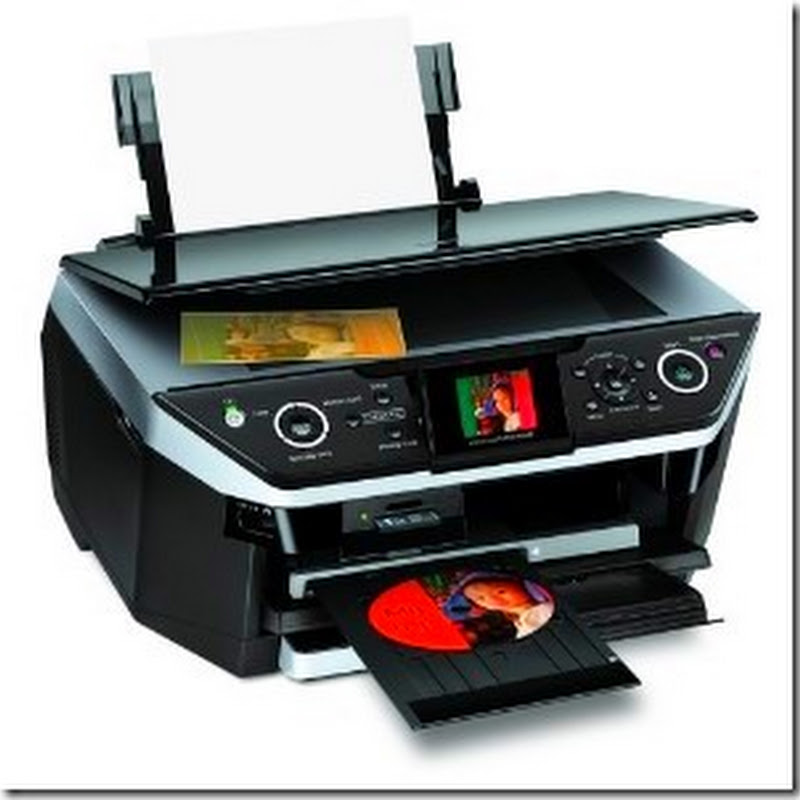
To print the configuration page (called the user data list) from an imagePRESS C1+, follow the steps below:
- Press the Additional Functions button
- On the Lcd, select Report Settings
- Select Network
- Select the box to the right of User Data List
- Select Yes
Read more
- Press the Additional Functions button
- On the Lcd, select Report Settings
- Select Network
- Select the box to the right of User Data List
- Select Yes