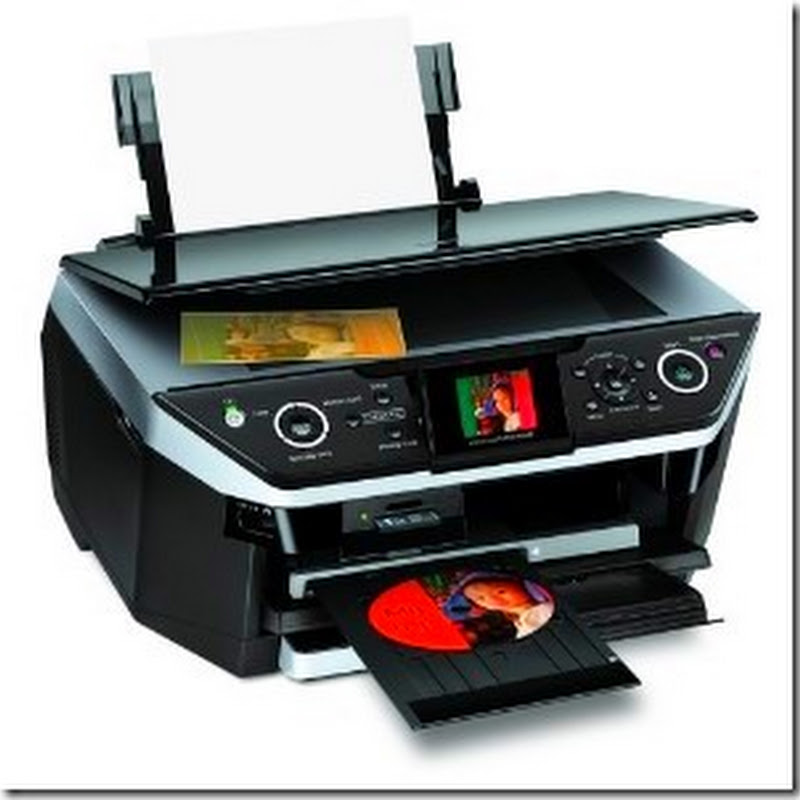
On the GX e3300N or GX e3350N printer, you can view the color and black page counts directly from the printers display Lcd. To see the page counts:
- Press the Menu button.
- "Counter" will be displayed -- press the #Enter button.
- "Show Counter" will be displayed -- press #Enter again.
Read more
- Press the Menu button.
- "Counter" will be displayed -- press the #Enter button.
- "Show Counter" will be displayed -- press #Enter again.